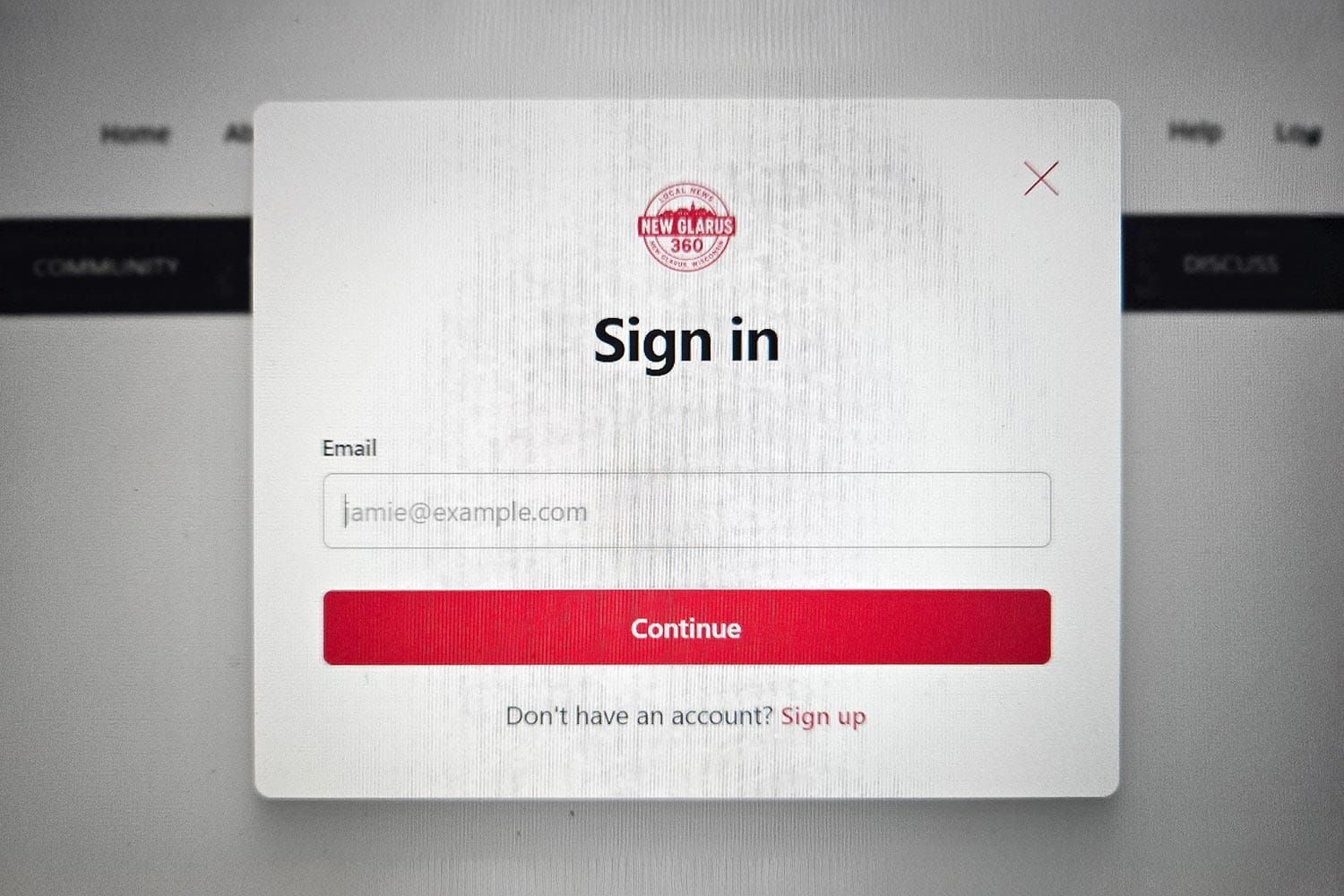
You receive a New Glarus 360 email newsletter, select a story and unexpectedly encounter a sign-in screen. This does not necessarily mean there is a problem with your subscription.
Your email inbox and web browser perform separate jobs. The newsletter knows where to deliver your email, but the browser opening the article must also recognize you as a New Glarus 360 member before it can provide access to subscriber-only content.
Why Your Browser May Not Recognize You
After you sign in, your browser normally remembers your New Glarus 360 membership. Several common situations can interrupt that recognition:
– You opened the link on a different computer, phone or tablet.
– The newsletter opened inside an email or social media app instead of your usual browser.
– You switched to a different browser, such as moving from Chrome to Safari or Edge.
– You used a private or incognito browsing window.
– Your browser history, cookies or website data were recently cleared.
– Your browser’s privacy settings prevented it from remembering the sign-in.
– You originally subscribed with a different email address.
Any of these situations can cause New Glarus 360 to treat the browser as if it has not seen you before.
How to Sign In
Select the SIGN IN option and enter the same email address connected to your New Glarus 360 membership.
New Glarus 360 uses a passwordless sign-in system. You do not need to remember a password. Our platform will send a secure sign-in link or one-time code to your email address.
Open the email and follow the instructions to complete the sign-in. You should then be able to read articles included with your membership level.
Use the Correct Email Address
One of the most common problems occurs when a reader has more than one email address. For example, the newsletter may arrive at a personal address, but the reader attempts to sign in with a work address.
Always use the address receiving your New Glarus 360 newsletters unless your subscription was established under another address.
Entering a different address may create or access a separate free membership that does not include your paid subscriber benefits. Do not purchase another subscription simply because the website asks you to sign in.
Try Opening the Link in Your Regular Browser
Some email apps open links inside their own built-in browser. That browser may not share sign-in information with Chrome, Safari, Edge or whichever browser you normally use.
If this happens, use the email app’s option to open the article in your regular browser. You can also copy the article link and paste it into the browser where you normally read New Glarus 360.
Using the same browser and device consistently can reduce repeated sign-in requests.
Forwarded Newsletters Work Differently
A newsletter may be forwarded to a friend or family member, but the recipient does not automatically receive the original subscriber’s membership access.
Each reader should use an individual New Glarus 360 membership and sign in with the email address associated with that account.
When the Sign-In Still Does Not Work
First, confirm that you entered the correct email address. Check your inbox and spam or junk folder for the secure sign-in email.
If you still cannot access an article, try closing the page and opening NewGlarus360.com directly in your preferred browser. Sign in there before returning to the newsletter and selecting the article again.
A sign-in screen usually means the browser needs to reconnect with your membership—not that your subscription has disappeared. Once the correct browser and email address are connected, access should be restored.
– If you continue having trouble accessing New Glarus 360 articles, contact us through the Help Center and include the email address associated with your membership.
– Licensed stock photo