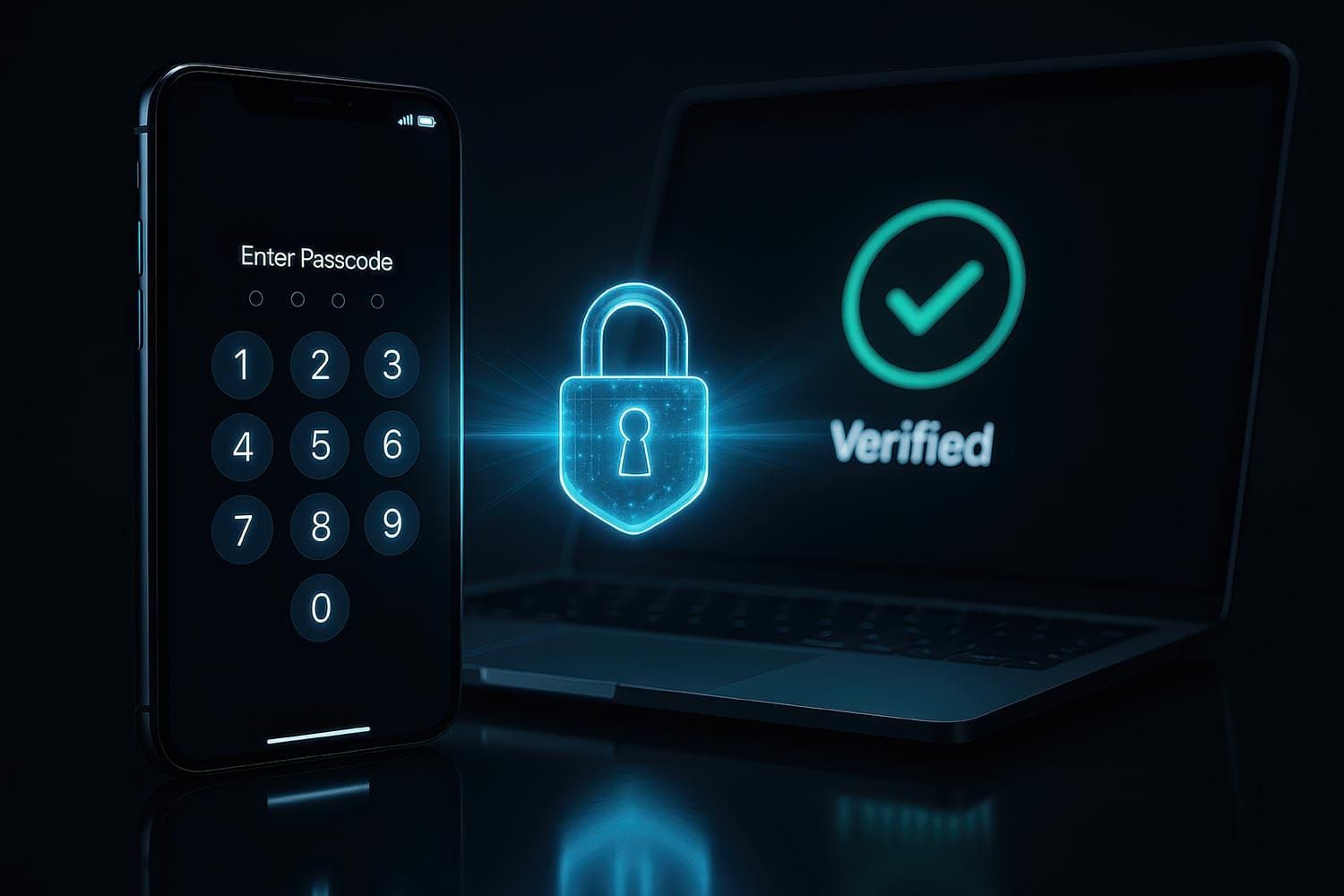
New Glarus 360 uses a password-free sign-in system known as passwordless authentication. Instead of creating and remembering a traditional password, readers sign in by entering their email address and then using the secure login email sent to them.
For most readers, the process is simple. Start by clicking the “Sign In” or “Subscribe” button on New Glarus 360. On a desktop computer, this is typically found in the top right corner of the website. On a mobile device, tap the three horizontal lines in the upper right corner to open the menu, then select “Sign In” or “Subscribe.”
Once selected, a screen will appear asking for your email address. Enter the email address associated with your account, then submit the form.
After that, open the message that arrives in your inbox. Depending on your device or browser, you may be able to click a secure sign-in link directly from the email, or you may be asked to enter a one-time authentication code back on the website.
If this is your first time signing in, the process works much the same way. Use the email address tied to your account or subscription, then follow the instructions in the email. There is no password to create or remember. Your email account is the key to signing in.
If you do not see the sign-in email right away, check your spam, junk, or promotions folder. In some cases, authentication emails can be filtered there by mistake. If you find it there, move it to your inbox or mark it as not spam so future messages are easier to find.
It is also important to make sure you are using the same email address connected to your New Glarus 360 account. Some sign-in problems happen when a reader subscribes with one email address but later tries to log in with another.
Readers using work, school, or government email accounts may also run into stricter filtering rules that delay or block these messages. In that case, checking with your email provider or IT department may help.
The main thing to remember is that New Glarus 360 does not use a traditional password system. Instead, it uses passwordless authentication through your email, allowing you to sign in securely without having to remember another password.
Questions about signing in or your account? Contact New Glarus 360 for more help.
Related:
Why Am I Asked to Sign In Repeatedly?
– Need help getting signed in? Reach out to New Glarus 360 and we’ll do our best to help you access your account and get back to reading.
– Licensed stock image